How to Get Started with a Smart Ring: A Comprehensive Guide
Introduction
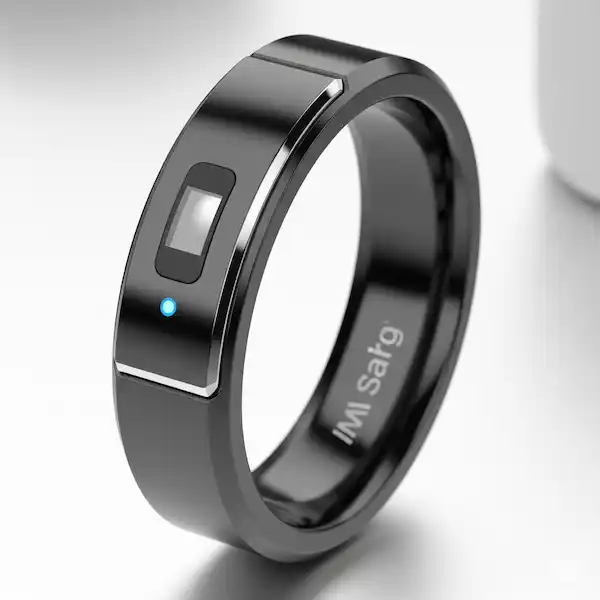
In recent years, smart rings have revolutionized the way we interact with technology, offering features like fitness tracking, contactless payments, and even phone notifications. However, getting started with a smart ring can be overwhelming, especially for beginners. In this article, we will guide you on how to get started with a smart ring, including setting it up, connecting companion apps, and calibrating stress sensors for 24/7 health tracking.Choosing the Right Smart Ring
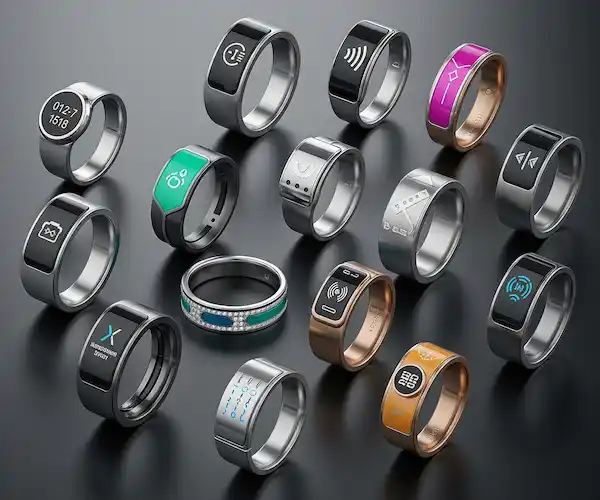
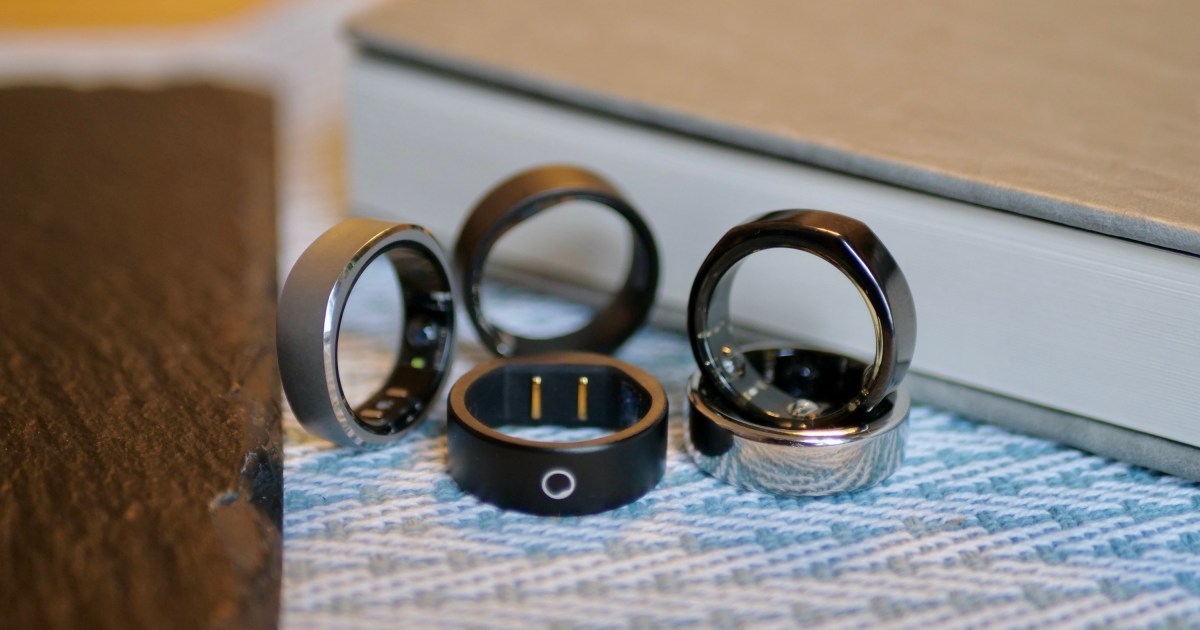
Before you dive into setting up your smart ring, it's essential to choose the right one for your needs. Consider the features you want, such as fitness tracking, contactless payments, or phone notifications. Research different brands and models, and read reviews to find the best one for you. As a general rule, smart rings can range in price from around $200 to $500 for most of the models we recommend.Wearing and Setting Up Your Smart Ring
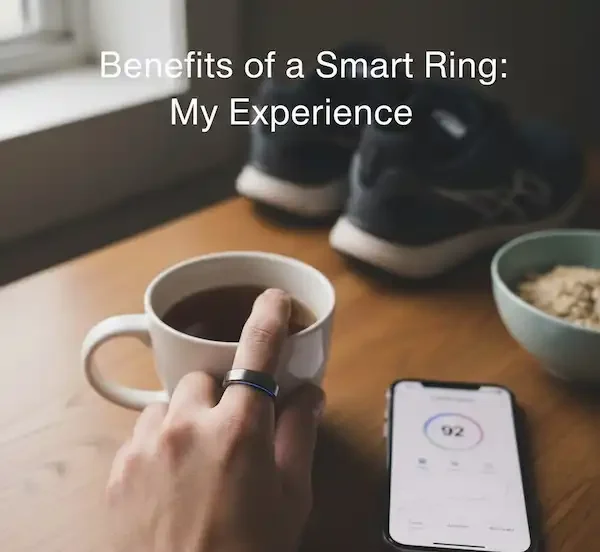
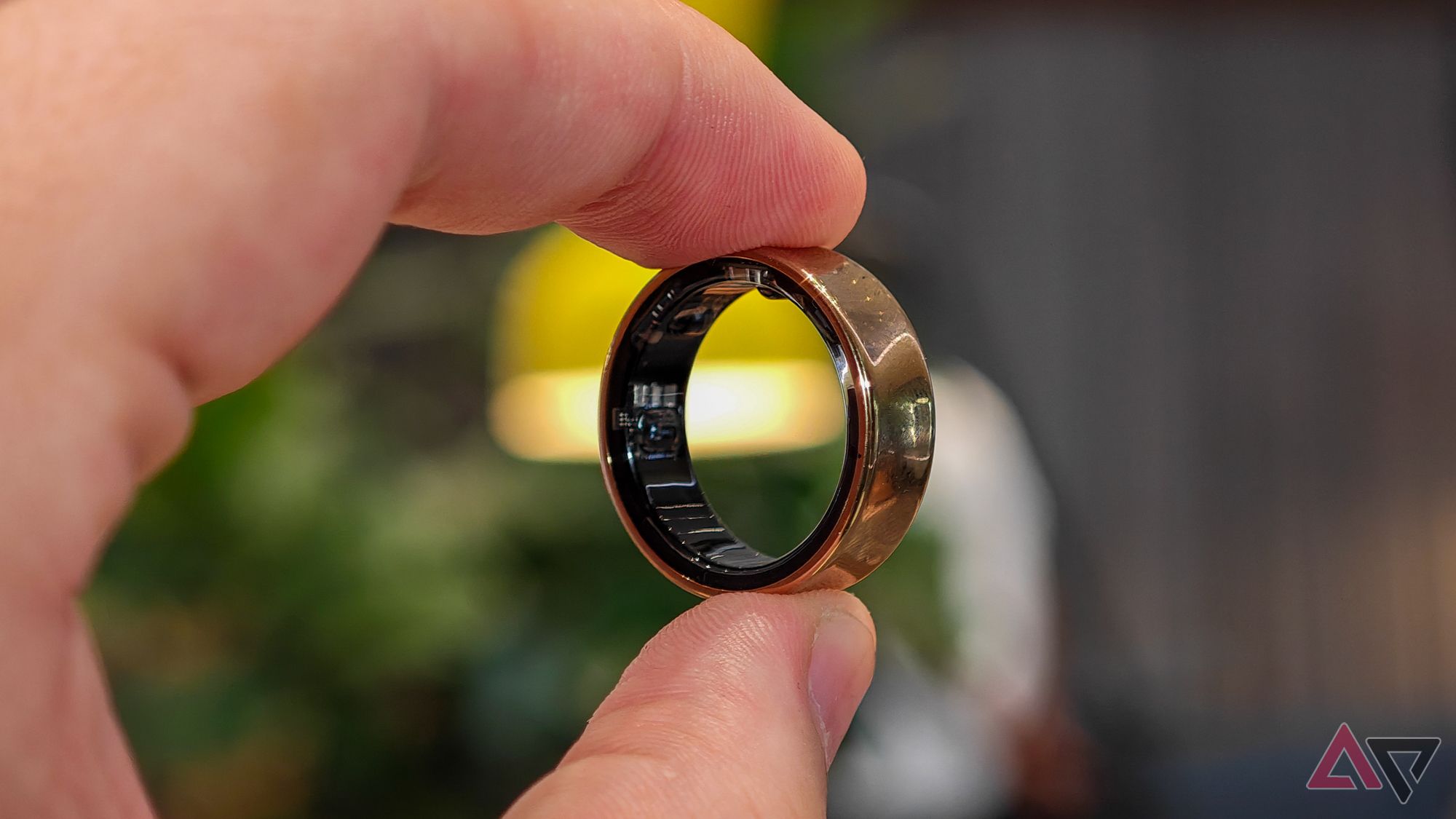
Once you have chosen your smart ring, it's time to wear and set it up. The first step is to wear your smart ring correctly, making sure it fits comfortably and securely on your finger. Typically, smart rings come with a user manual that explains how to wear and set it up for accurate tracking, daily comfort, and full app functionality.Step-by-Step Guide to Setting Up Your Smart Ring
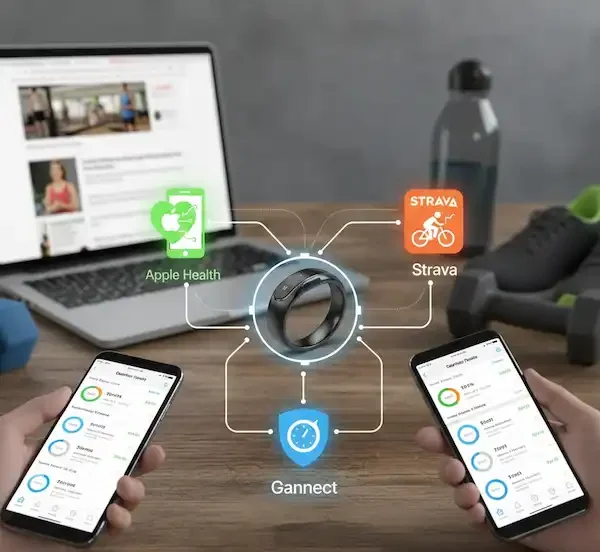
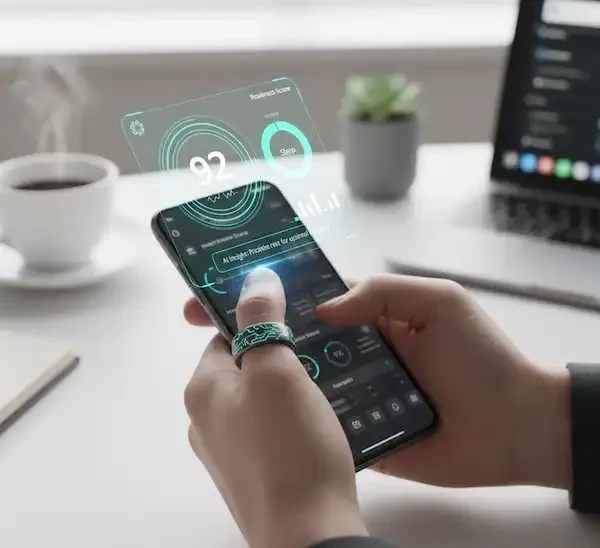
1. **Power on your smart ring**: Press and hold the power button until the ring lights up. 2. **Download the companion app**: Download and install the companion app on your phone or tablet. 3. **Connect the app to your smart ring**: Open the app and follow the on-screen instructions to connect it to your smart ring. 4. **Pair your smart ring with your phone**: Pair your smart ring with your phone or tablet to receive notifications and track your fitness data. 5. **Calibrate your stress sensors**: Calibrate your stress sensors to ensure accurate tracking of your stress levels.Connecting Companion Apps