Mikrotik Router Access Point Configuration: A Step-by-Step Guide
Are you looking to configure your Mikrotik router as an access point to extend your WiFi network's signal? This comprehensive guide will walk you through the process, providing you with a step-by-step configuration guide for your Mikrotik router access point.Understanding Mikrotik Access Point Configuration
Before we dive into the configuration process, let's understand the basics of Mikrotik access point configuration. A Mikrotik access point is essentially a bridge device that connects to your router using an Ethernet cable. It's not firewall protected and has its DHCP server functionality disabled. Instead, the DHCP requests from the access point's clients are bridged to the router.Section 1: Basic Configuration
To configure your Mikrotik router as an access point, you'll need to complete the following steps:1.1. Login to Mikrotik using WinBox
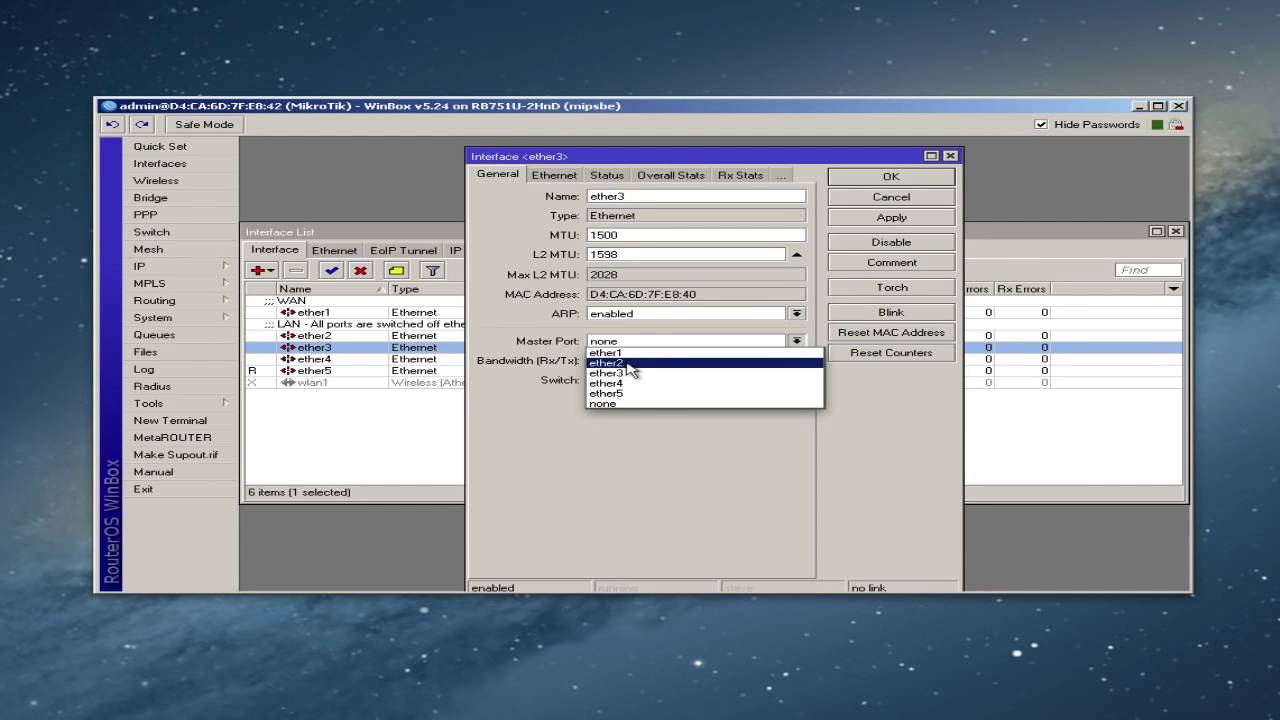
To start the configuration process, you'll need to log in to your Mikrotik router using WinBox, the graphical user interface for RouterOS.1.2. Reset Configuration - No Default Configuration
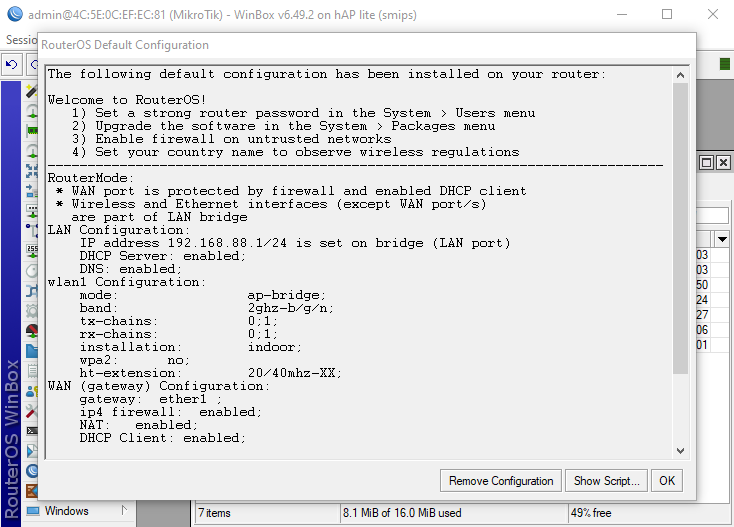
Once you're logged in, make sure to reset the configuration of your Mikrotik router to its default settings. This will ensure that you start with a clean slate and avoid any potential issues with your access point configuration.Section 2: Configuration of Mikrotik Router as Access Point
Now that you've completed the basic configuration, let's move on to configuring your Mikrotik router as an access point. Here's a step-by-step guide to help you achieve this:2.1. Configure the Wireless Interface
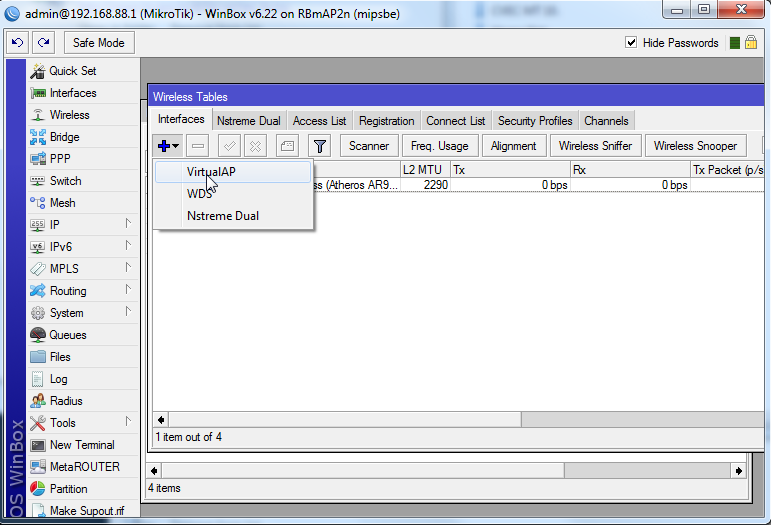
The first step in configuring your Mikrotik router as an access point is to enable the wireless interface. You can do this by navigating to the 'Wireless' menu and enabling the wireless interface.2.2. Configure the Access Point in Bridge Mode
Next, you'll need to configure the access point in bridge mode. This will allow the access point to bridge the DHCP requests from its clients to the router.2.3. Configure SSID and Security Profile